How to pause and resume a check in GuardYak
Taking a site offline on purpose? Pause its check so nobody gets paged, then resume it when you're done. The check and its history are kept.
Before you start
- At least one check
Plays silently with captions; the narrated version is on its way.
Transcript
Stop alerts for one check during planned work, without losing its history.
Select Pause on the check. It's marked paused and won't send alerts.
When the work is done, select Resume, and monitoring picks up again.
Steps
Pause the check ▶ 0:06
In Checks, select Pause on the check's row. A paused badge appears next to its name.
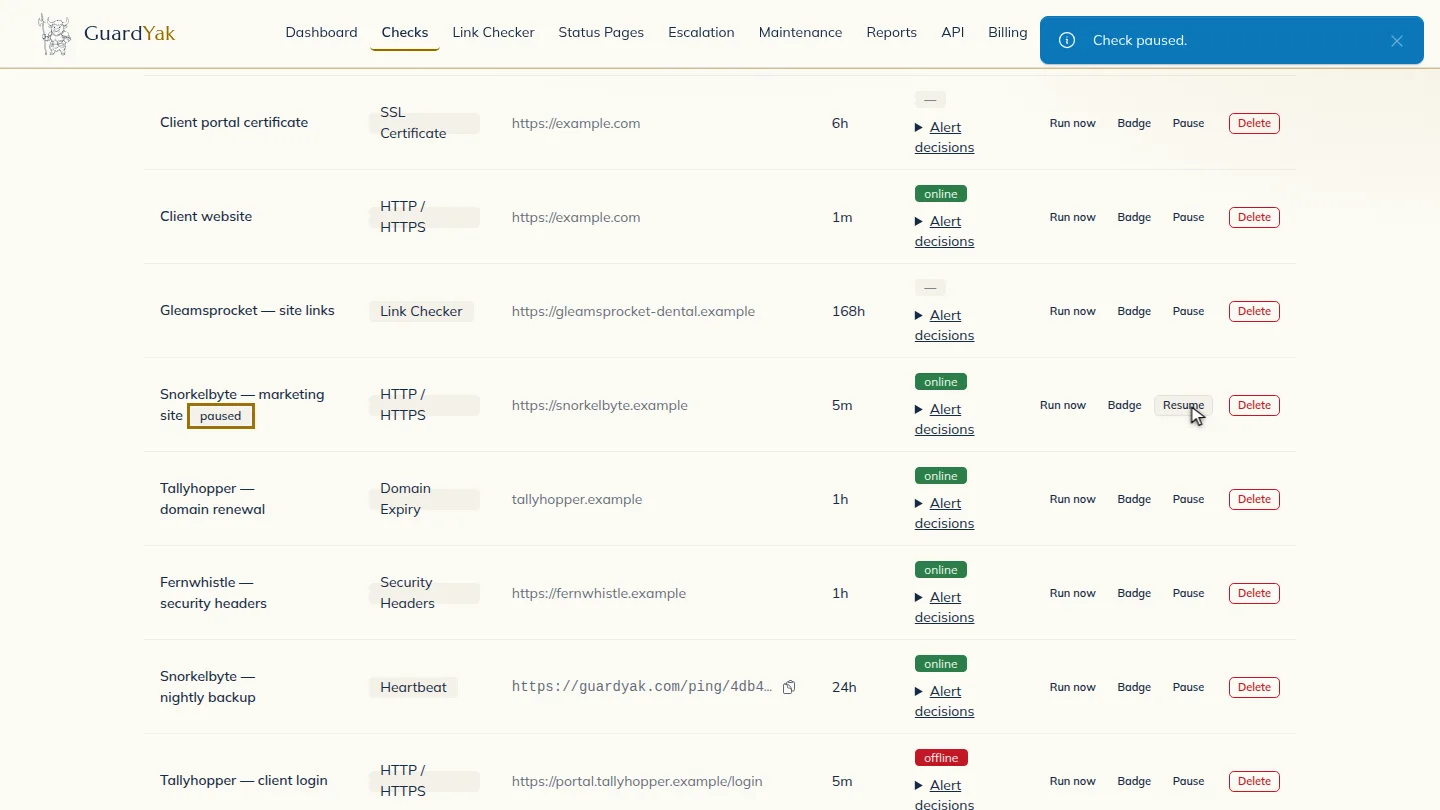
Resume it ▶ 0:11
When you're done, select Resume on the same row.
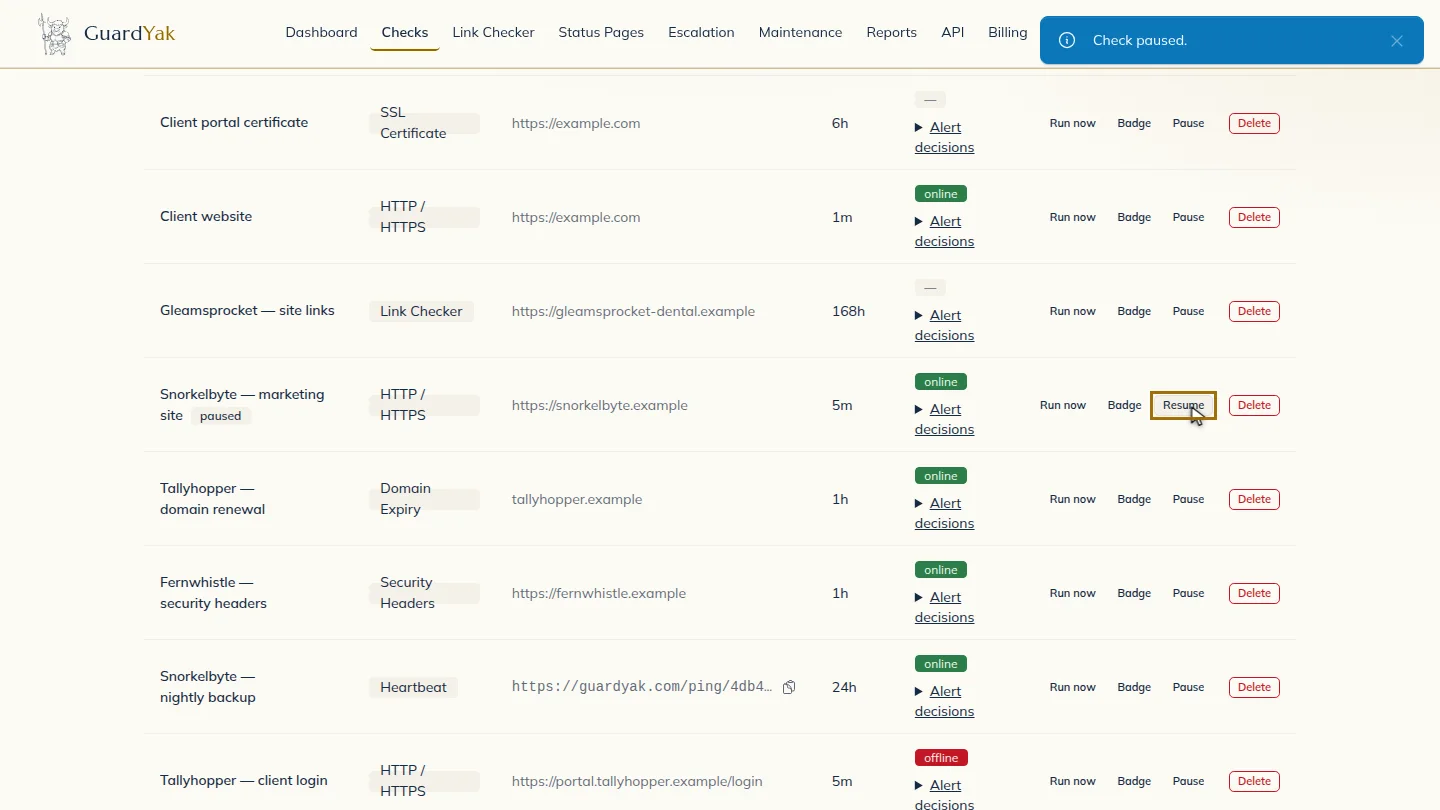
ResultA paused check shows a paused badge and doesn't alert; Resume turns it back on.
Next steps
Updated 2026-10-26
mute alerts disable monitor snooze