How to monitor a site for broken links in GuardYak
Broken links frustrate visitors and hurt search rankings, and nobody notices them until a client does. The link checker crawls a site on a schedule and lists every link that fails.
Before you start
- A GuardYak account (the free plan includes website checks)
Plays silently with captions; the narrated version is on its way.
Transcript
Find every broken link on a site, and keep checking it automatically.
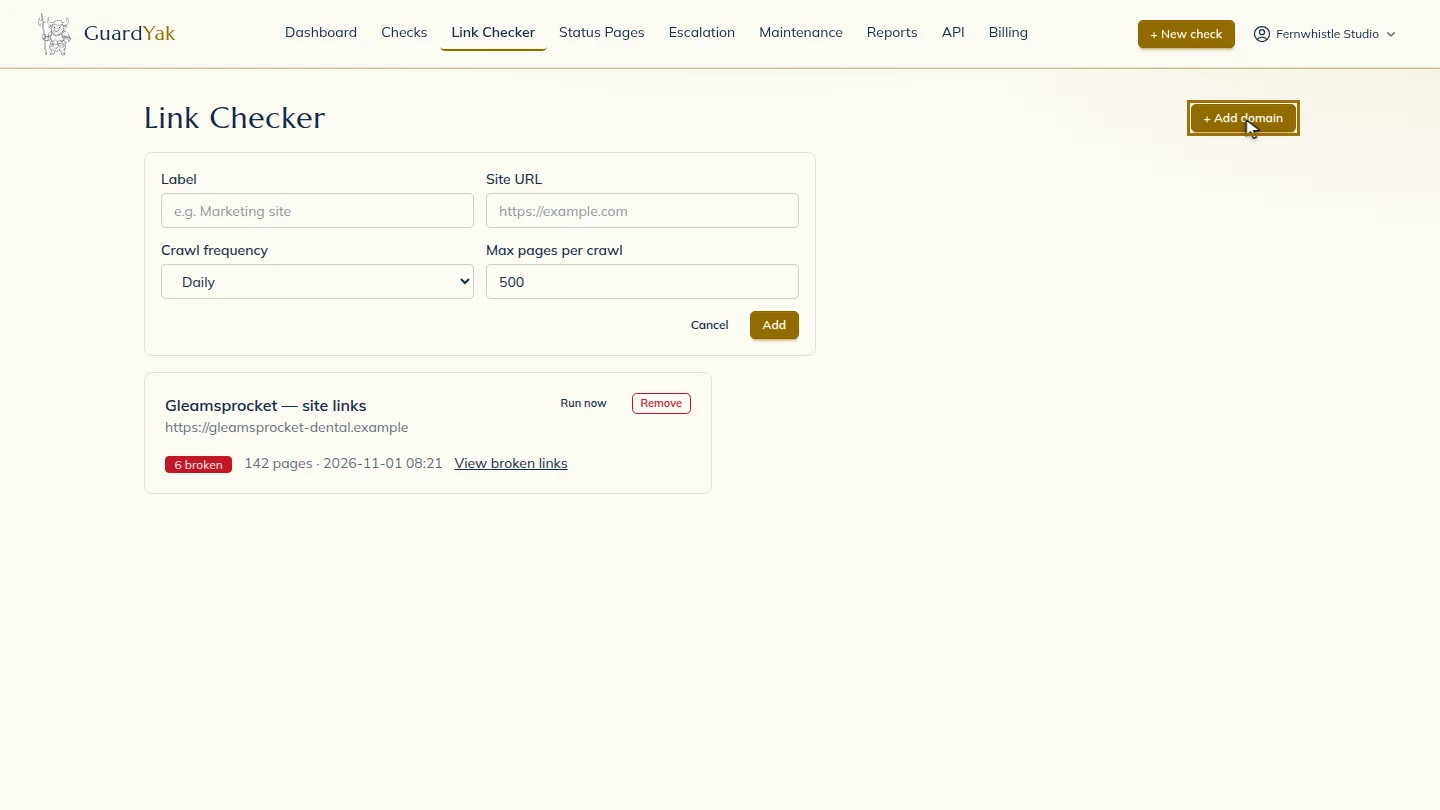
Open the Link Checker and select Add domain.
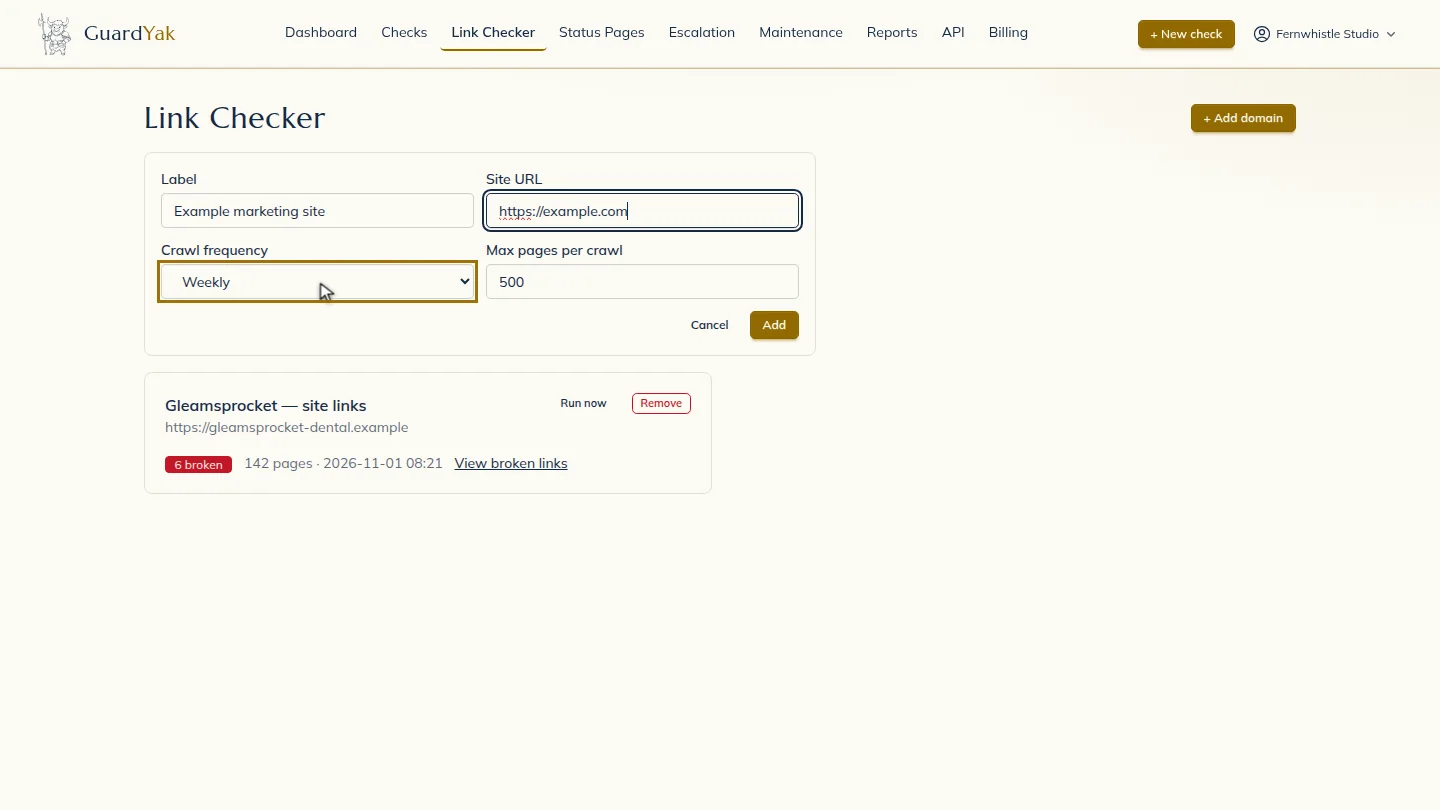
Name it, paste the site address, and choose how often to crawl. Weekly is plenty for most marketing sites.
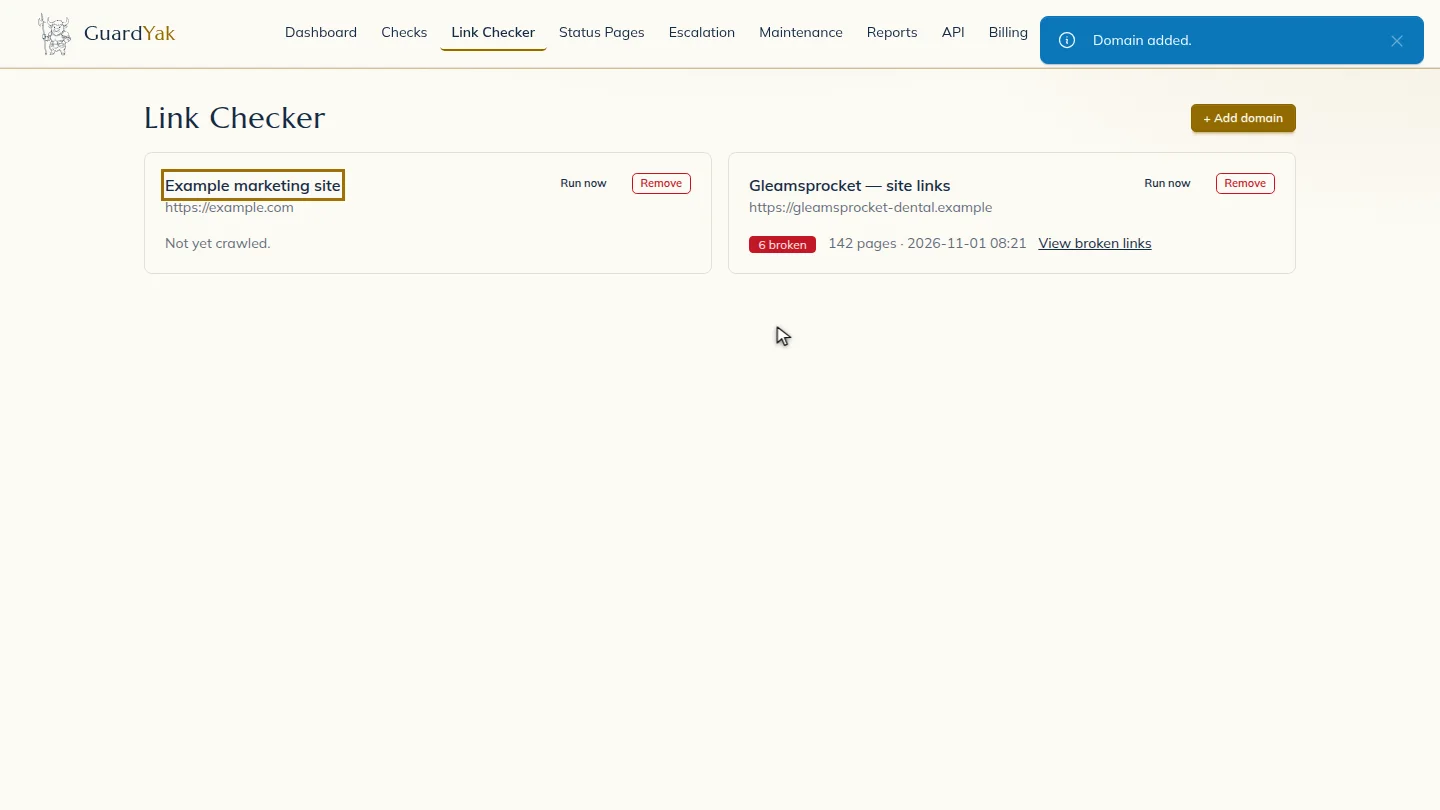
Select Add. The first crawl starts right away. When it finishes, the card shows how many broken links were found, and you can open the list to see each one and the page it's on.
Steps
Add a domain ▶ 0:06
In Link Checker, select + Add domain.
Enter the site ▶ 0:09
Enter a Label and Site URL, then choose a Crawl frequency.
Start crawling ▶ 0:17
Select Add. The domain shows crawling… until the first crawl finishes.
Next steps
Updated 2026-10-26
broken link checker 404 links dead links site crawl