How to export broken links in GuardYak
Hand the fix list to whoever maintains the site. Export the broken links as a CSV with the page each one was found on.
Before you start
- A domain in the Link Checker with at least one completed crawl
Plays silently with captions; the narrated version is on its way.
Transcript
Turn a crawl into a fix list your developer can work through.
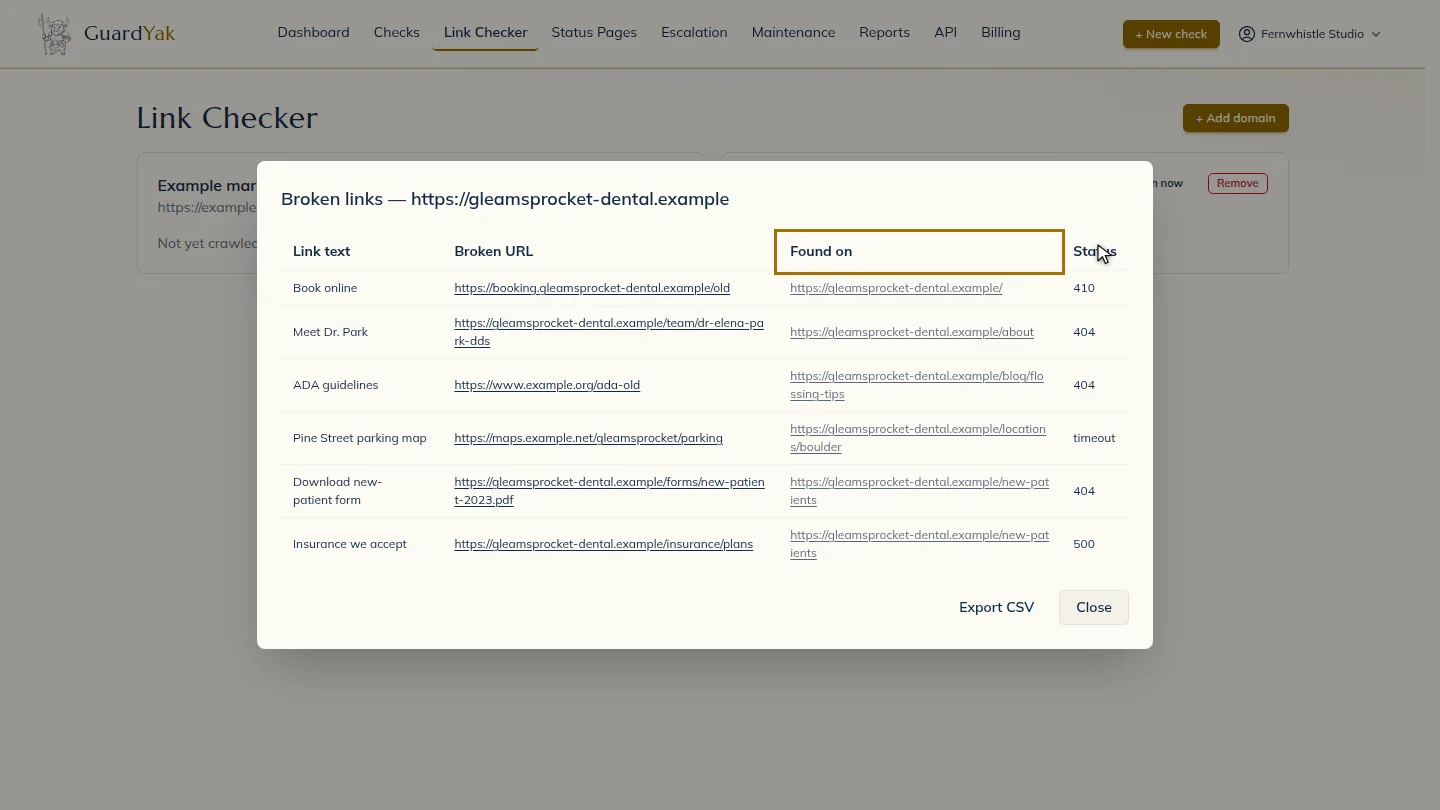
On the domain's card, open its broken links. Each row shows the link text, the broken address and the page it's on.
Select Export CSV to download the list.
Steps
Open the broken links ▶ 0:05
On the domain's card, open its broken links to see Link text, Broken URL, Found on and Status.
Export ▶ 0:14
Select Export CSV. The file downloads to your computer.
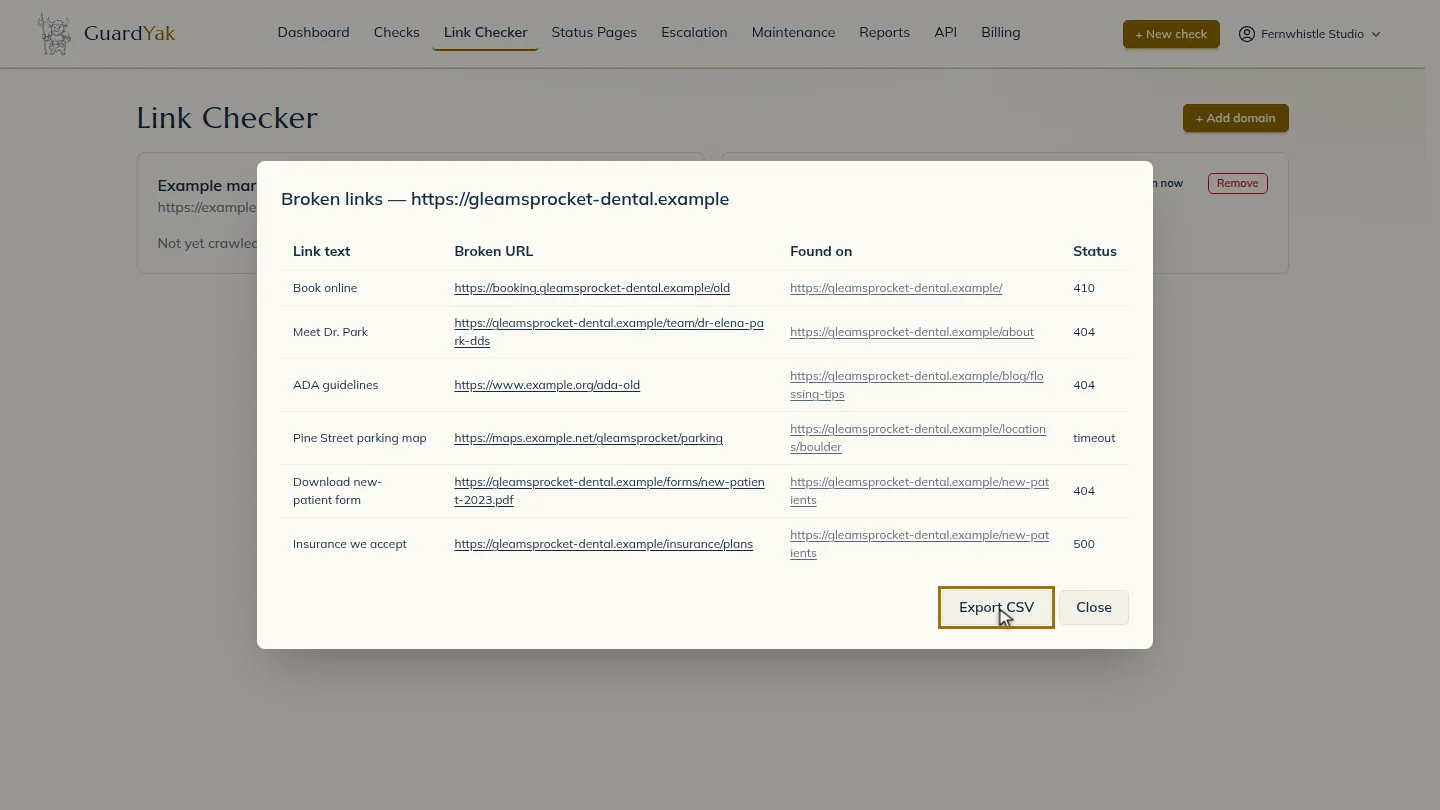
ResultA CSV of broken links downloads to your computer.
Next steps
Updated 2026-10-26
broken links csv export 404s