How to check security headers in GuardYak
Security headers tell browsers to use HTTPS, block content sniffing and limit where scripts can load from. A deploy or CDN change can drop them silently. A security headers check confirms the headers you list are still present on every response.
Before you start
- A GuardYak account (every check type is available on the free plan)
Plays silently with captions; the narrated version is on its way.
Transcript
Notice when a deploy quietly drops your security headers. Here's how to check them with GuardYak.
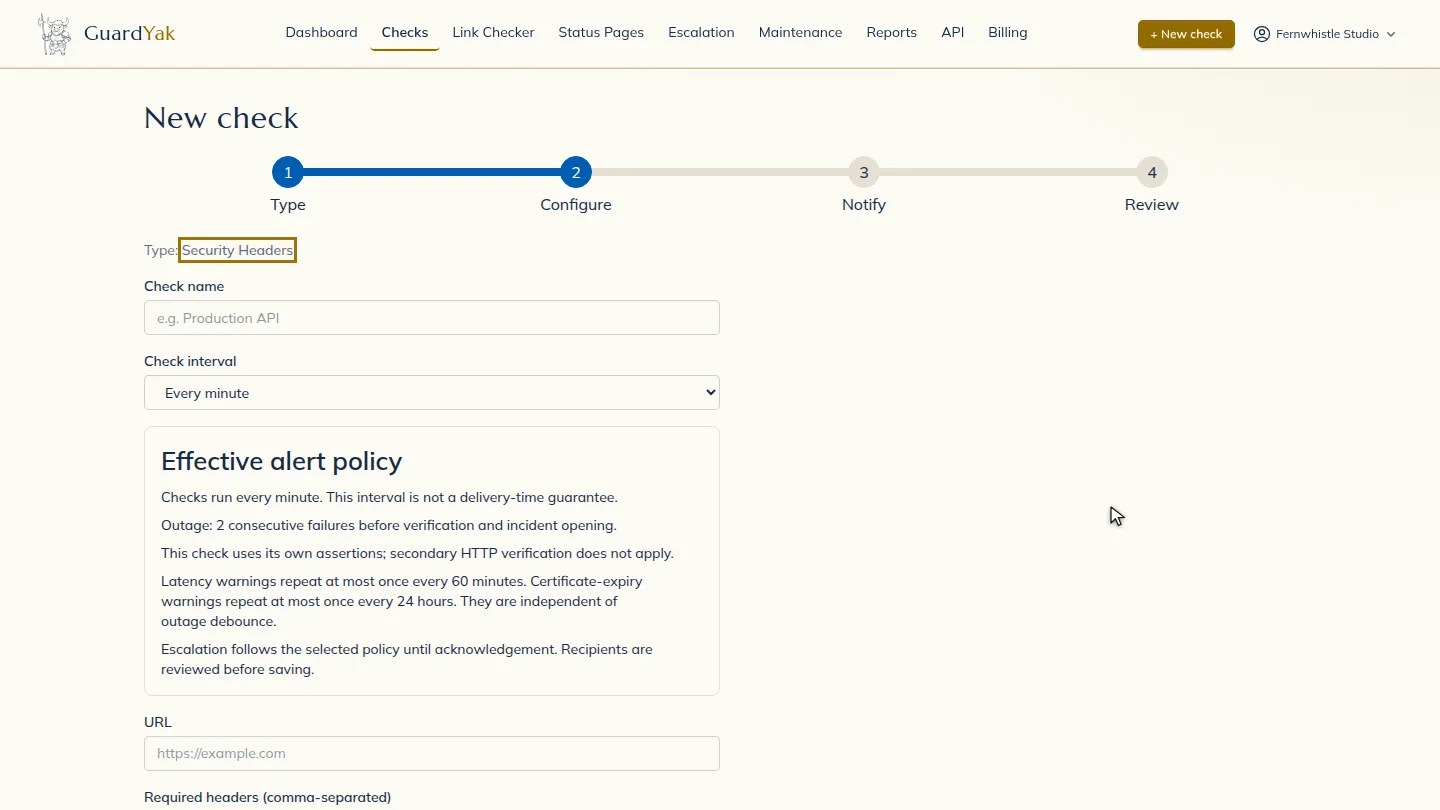
Start a new check and choose Security Headers.
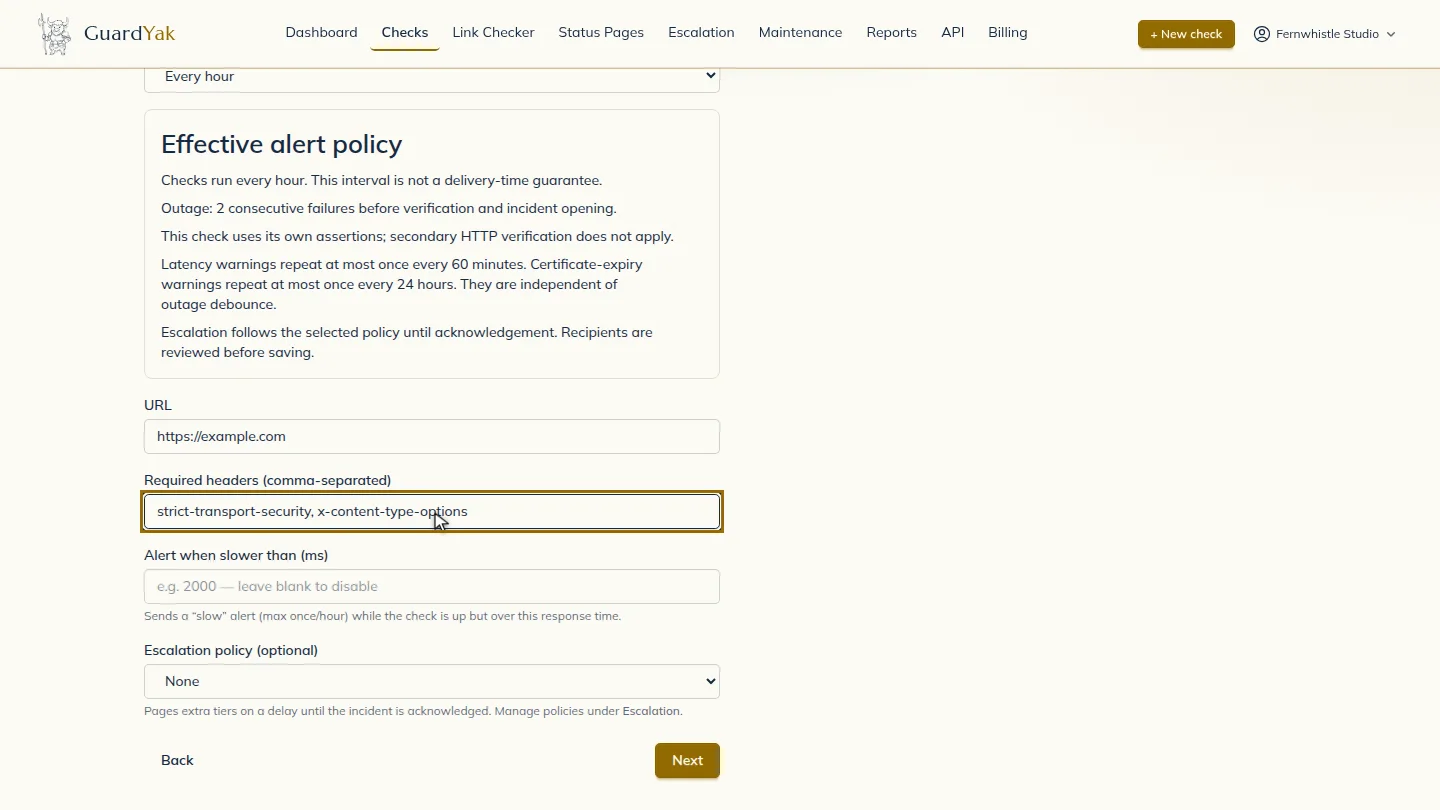
Name the check and paste the page address. Then list the headers that must be there, separated by commas.
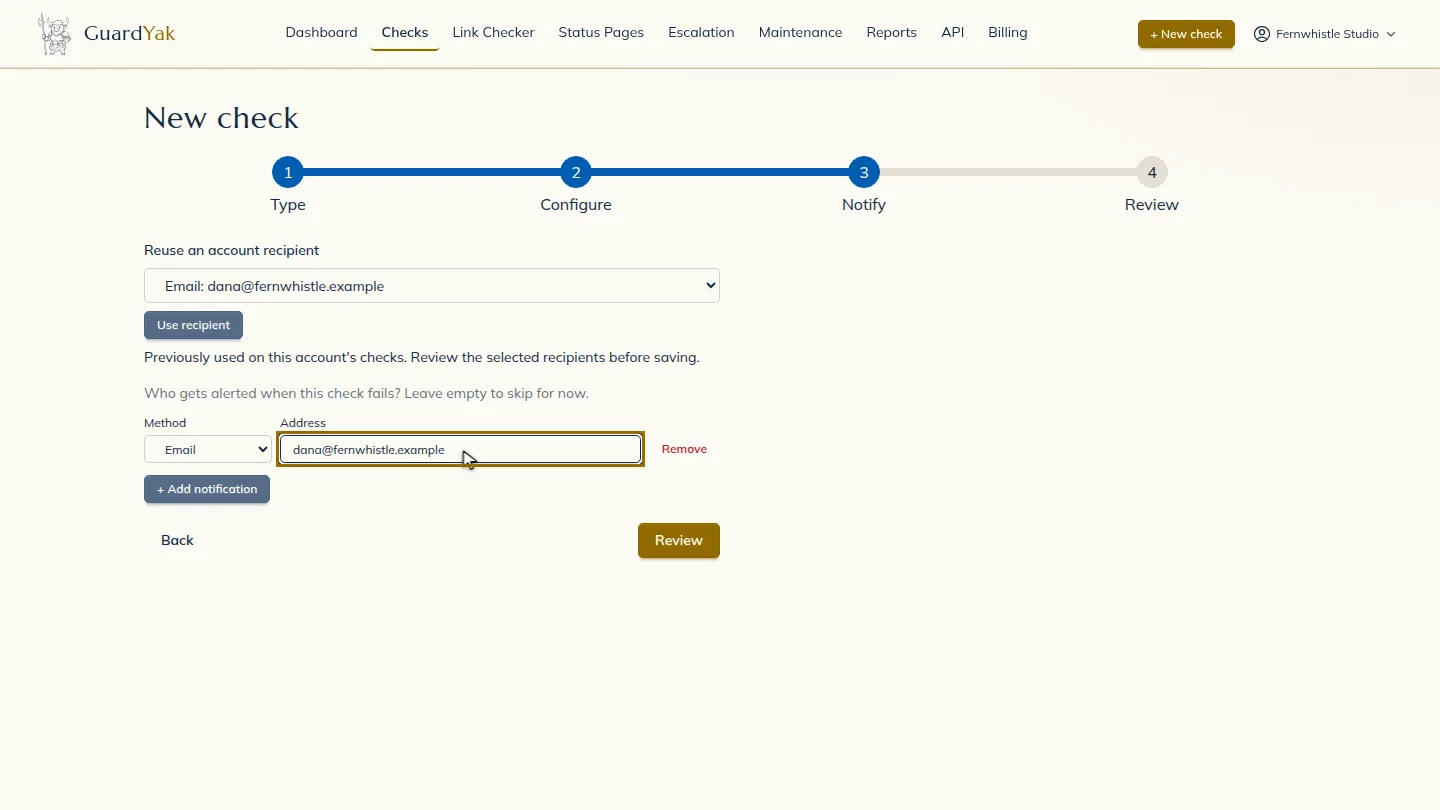
Select Next, then add the email address that should hear about problems.
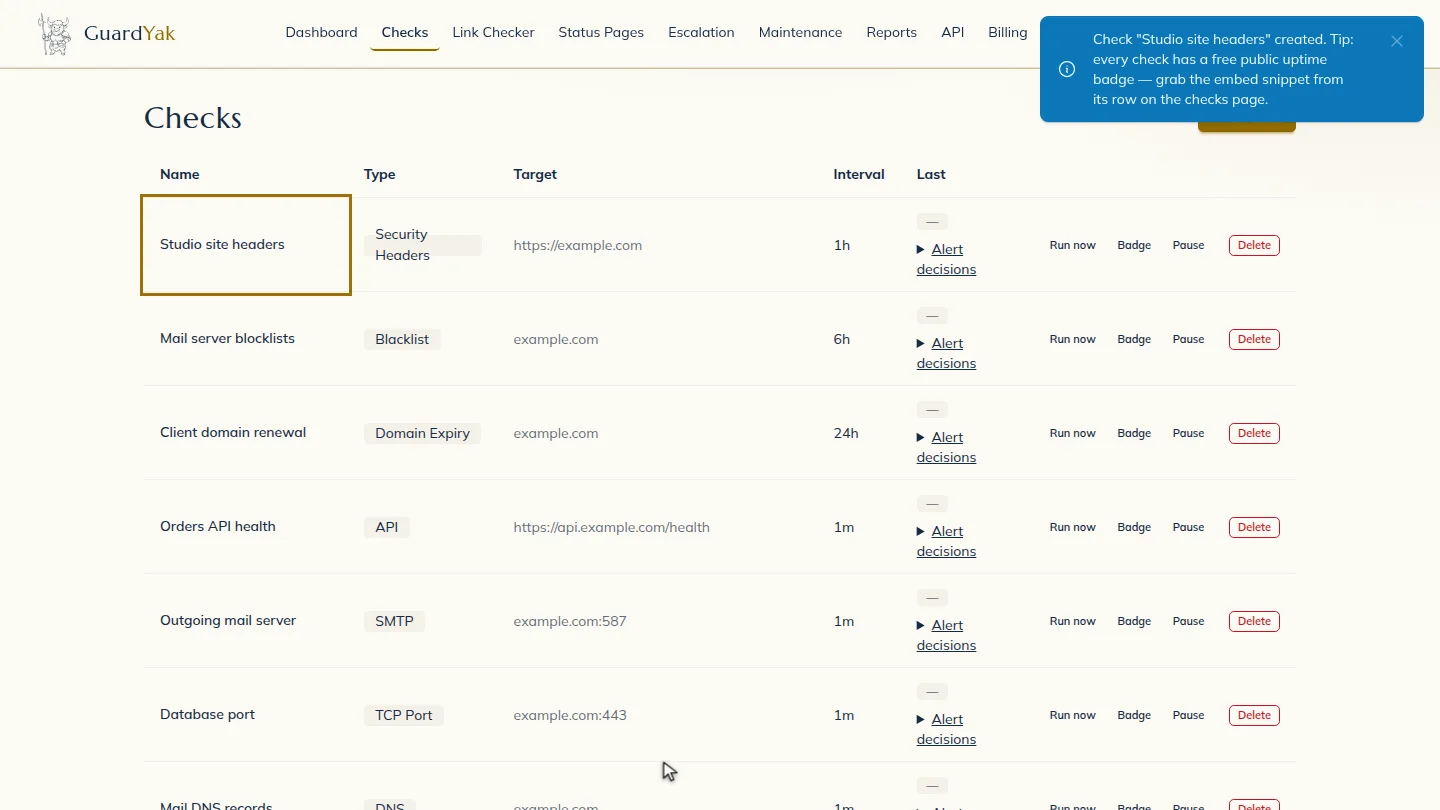
Select Review, check the summary, and create it. The new check joins your list, and GuardYak starts checking on its next run.
Steps
Choose the check type ▶ 0:08
In Checks, select + New check, then select Security Headers.
Fill in the details ▶ 0:12
Enter a Check name and the page URL, then list the Required headers (comma-separated). Every hour is plenty for this kind of check.
Choose who gets alerts ▶ 0:19
Select Next. Under Address, enter the email that should receive alerts.
Create the check ▶ 0:25
Select Review, check the summary, then select Create check. The new check appears on Checks.
Next steps
Updated 2026-11-03
security headers check hsts monitoring content security policy check http header monitor