How to monitor DNS records in GuardYak
A changed or missing DNS record can take a site or its email offline without anything else looking wrong. A DNS check resolves a hostname on a schedule and alerts you when the record disappears or stops matching the value you expect.
Before you start
- A GuardYak account (every check type is available on the free plan)
Plays silently with captions; the narrated version is on its way.
Transcript
Catch a broken or changed DNS record before email or the website stops working. Here's how to monitor DNS records in GuardYak.
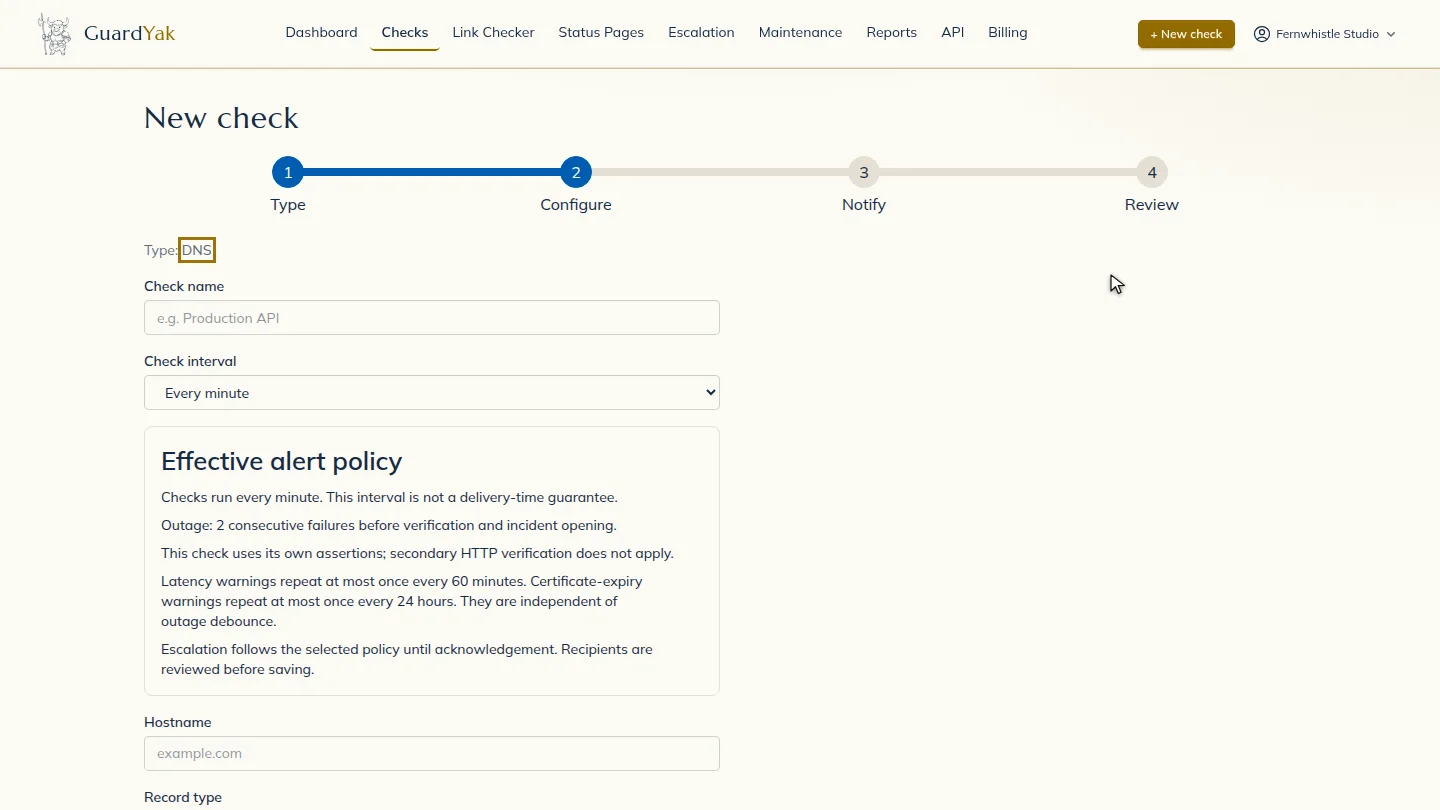
Start a new check and choose DNS.
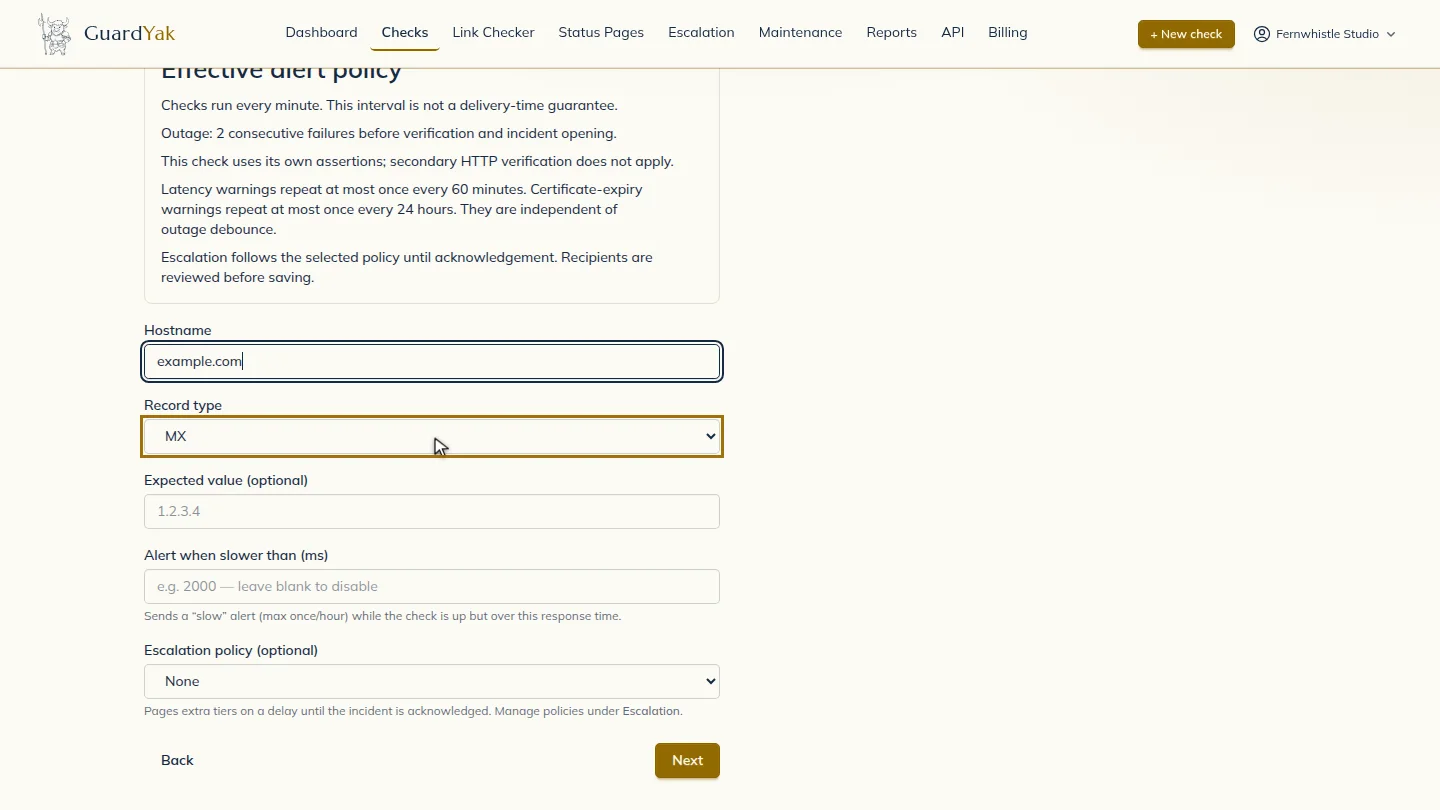
Name the check and enter the hostname. Pick the record type, here MX for mail servers. Add an expected value if the record should never change.
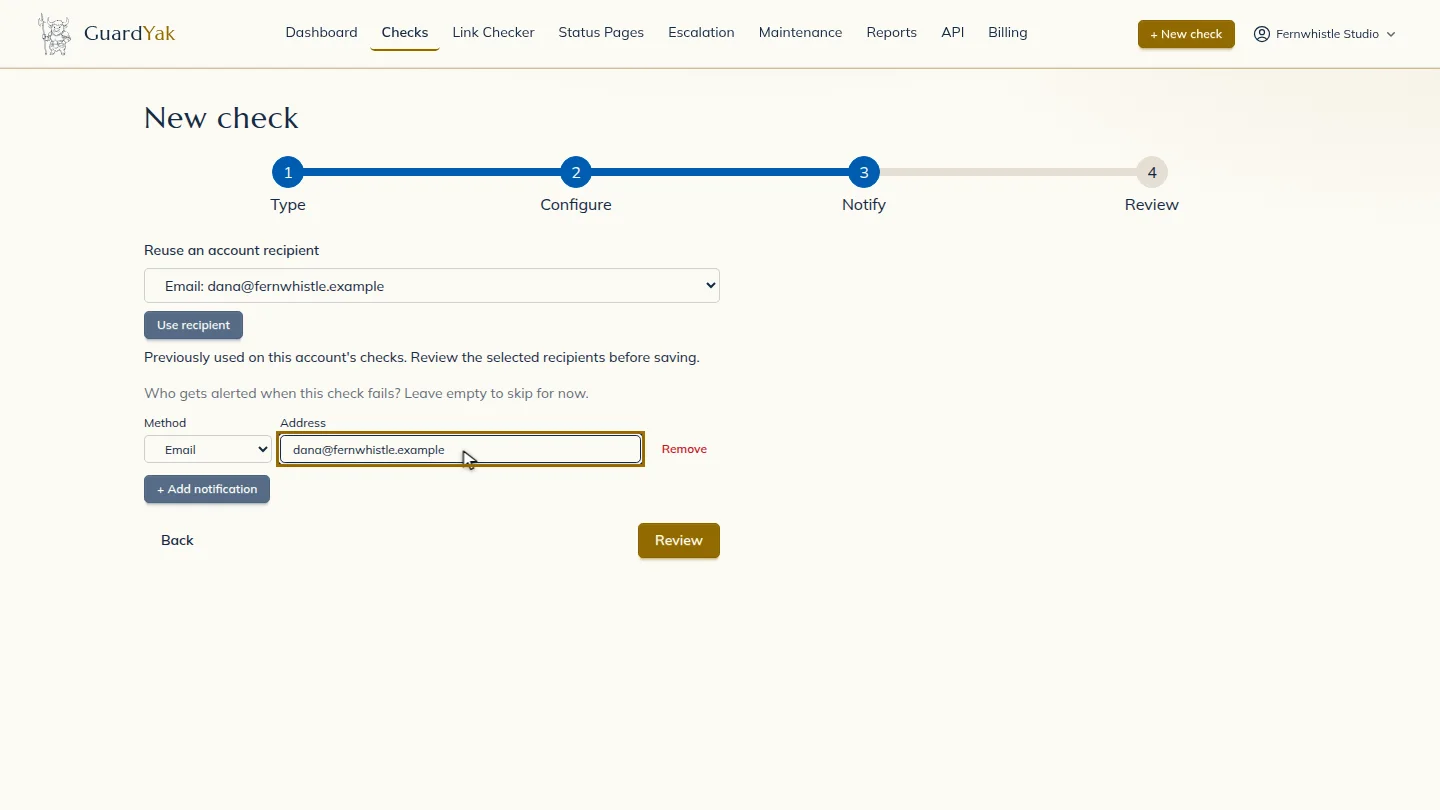
Select Next, then add the email address that should hear about problems.
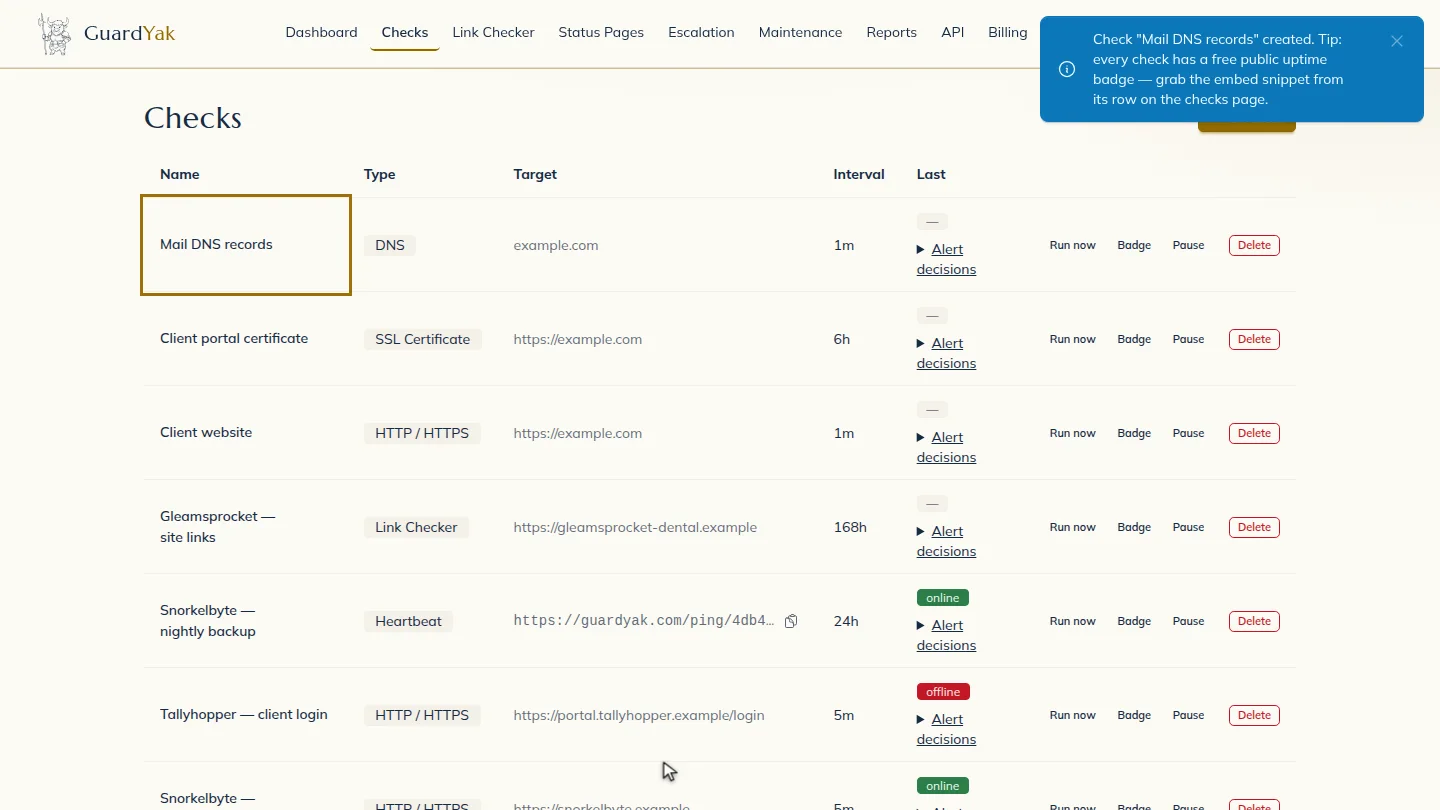
Select Review, check the summary, and create it. The new check joins your list, and GuardYak starts checking on its next run.
Steps
Choose the check type ▶ 0:10
In Checks, select + New check, then select DNS.
Fill in the details ▶ 0:13
Enter a Check name and the Hostname, then choose the Record type. Fill in Expected value (optional) to alert when the answer changes.
Choose who gets alerts ▶ 0:24
Select Next. Under Address, enter the email that should receive alerts.
Create the check ▶ 0:29
Select Review, check the summary, then select Create check. The new check appears on Checks.
Next steps
Updated 2026-11-03
dns monitoring dns record change alert mx record check dns uptime