How to delete a check in GuardYak
When a client leaves or a site is retired, delete its check to free up a slot on your plan. If you might need it again, pause it instead.
Before you start
- At least one check
Plays silently with captions; the narrated version is on its way.
Transcript
Remove a check you no longer need and free up its slot.
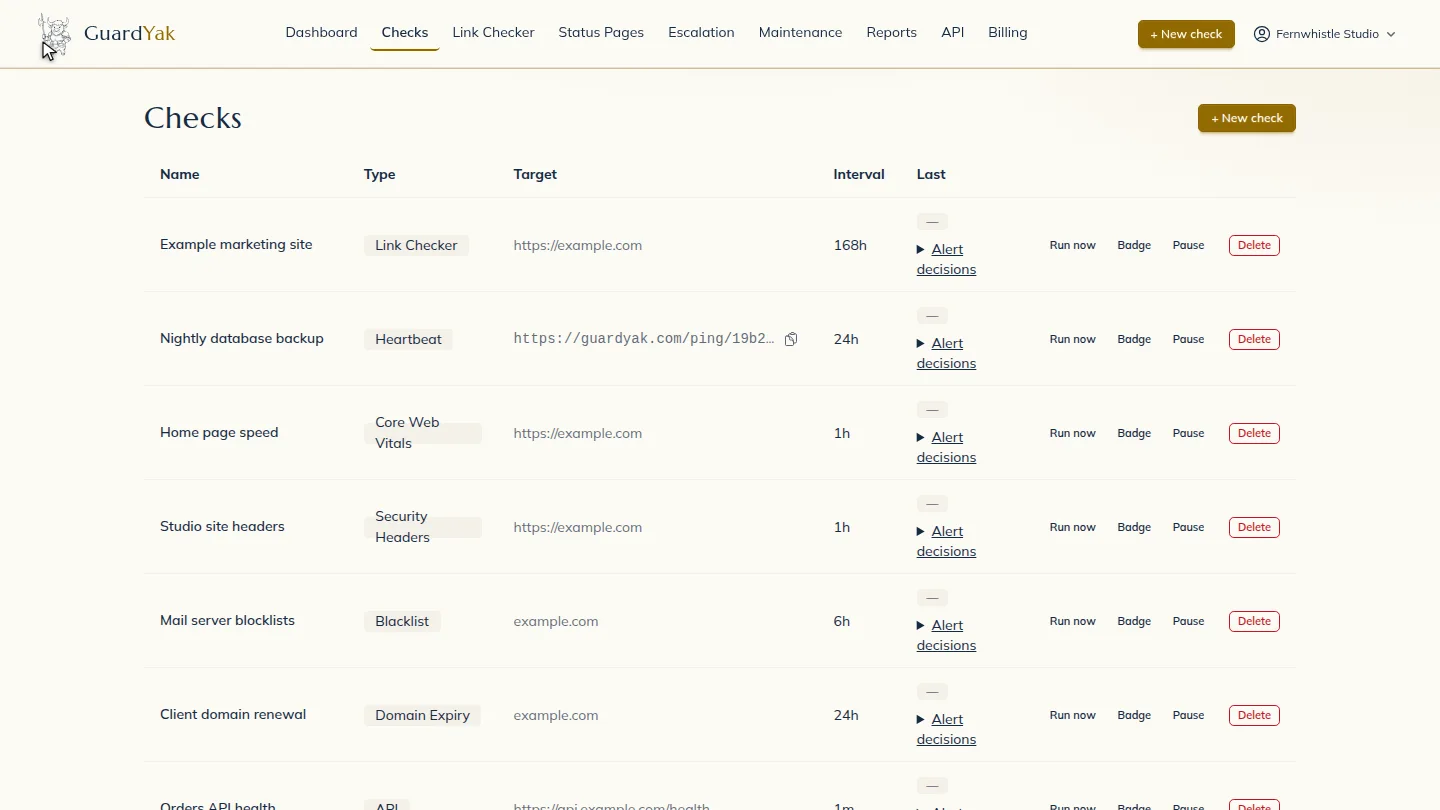
Select Delete on the check's row, then confirm. Deleting can't be undone, so pause instead if you might need it again.
The check disappears from the list.
Steps
Delete and confirm ▶ 0:05
Select Delete on the check's row, then confirm. This can't be undone.
Confirm it's gone ▶ 0:14
The check no longer appears on Checks.
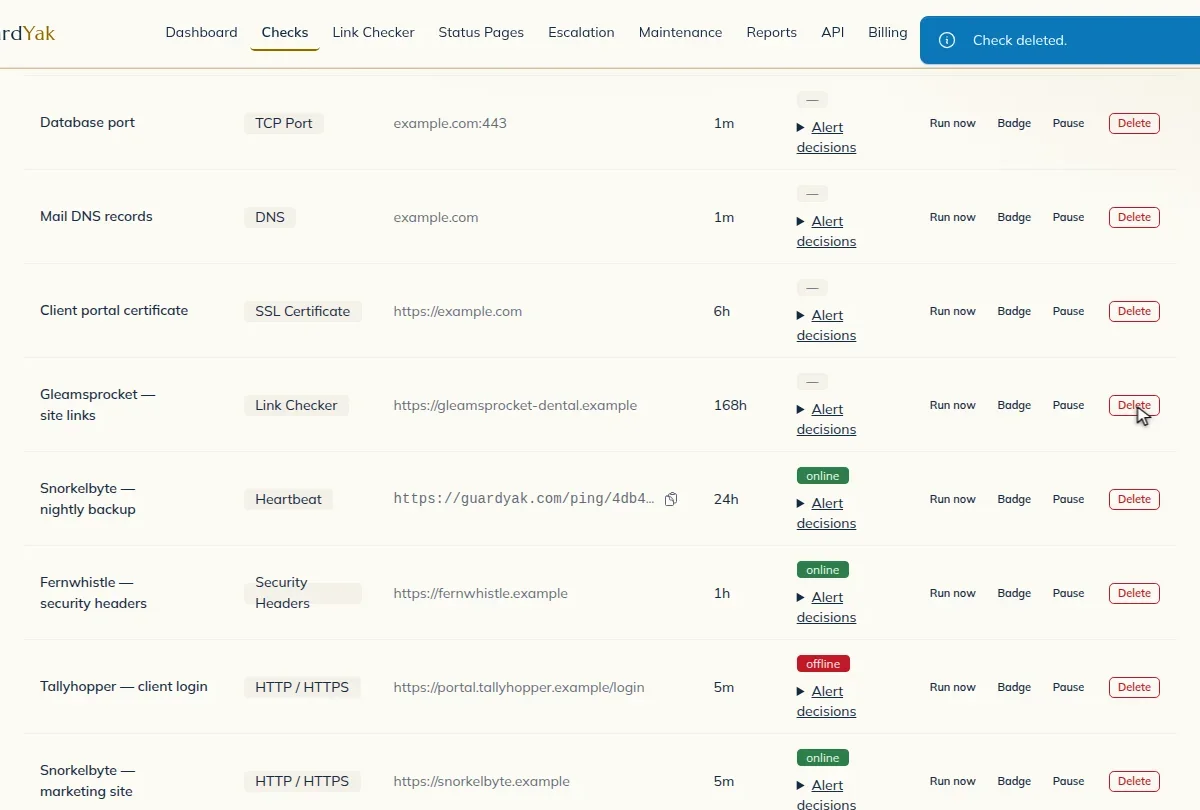
ResultThe check no longer appears on Checks.
Next steps
Updated 2026-10-26
remove monitor delete monitor