How to create an API key in GuardYak
Use the API to add checks from your deploy scripts or pull status into your own dashboards. Each key belongs to your workspace and can be revoked at any time.
Before you start
- A GuardYak account (the free plan includes website checks)
Plays silently with captions; the narrated version is on its way.
Transcript
Connect your own scripts and tools to GuardYak with an API key.
On the API page, select Generate key.
Copy it now. GuardYak only shows the full key once, so store it in your password manager or secrets store.
Steps
Generate the key ▶ 0:05
In API, under Keys, select Generate key.
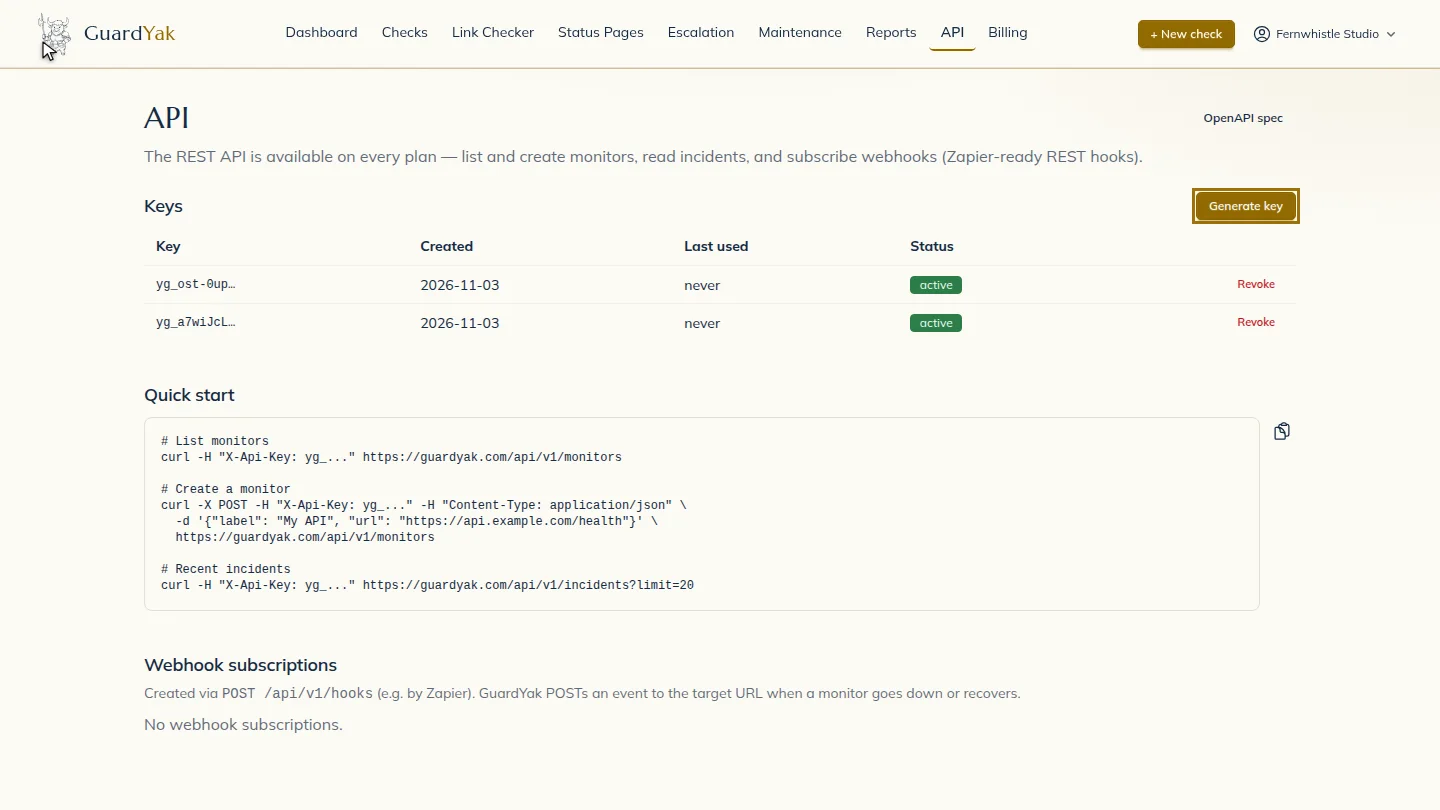
Copy it somewhere safe ▶ 0:09
Select Copy API key and store it securely. The full key isn't shown again.
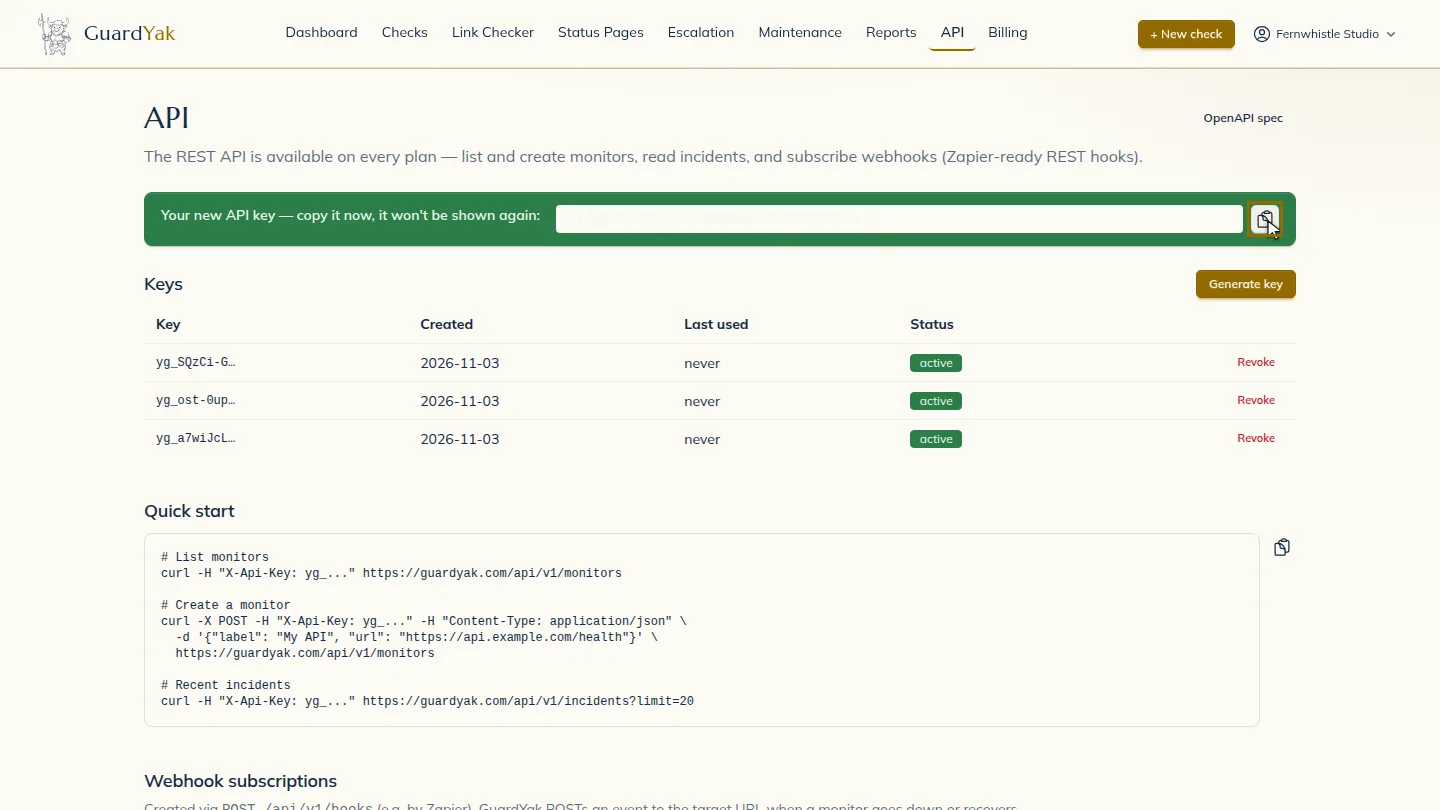
ResultA new key is shown once; copy it into your tool's secret store.
Next steps
Updated 2026-10-26
api token rest api integration key